


x
What is Digital Signage
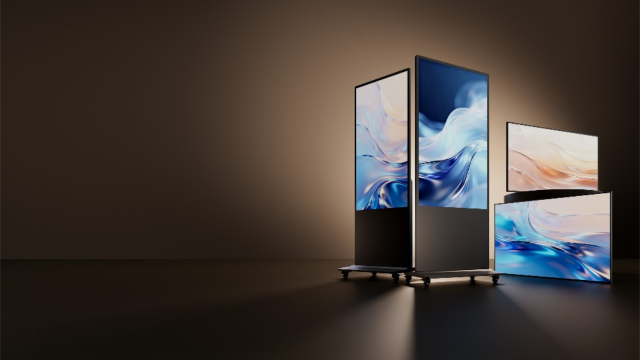

Digital Signage – Hikvision’s professional signage solution for commercial display scenarios.
It offers a comprehensive portfolio including touch-screen kiosks, wall-mounted displays, and media players, enabling flexible deployment across diverse environments.
Built on an open ecosystem and highly compatible system architecture, it supports seamless integration with third-party CMS platforms—empowering partners to leverage their own systems for efficient content distribution, scalable deployment, and business growth.
Application Scenarios
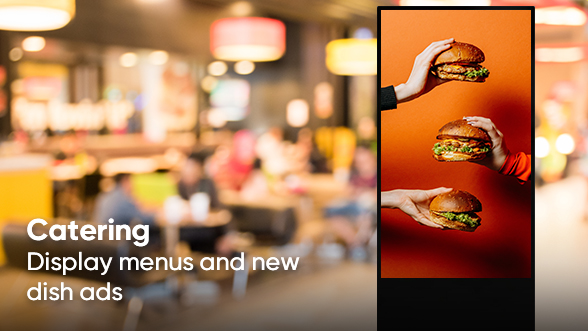
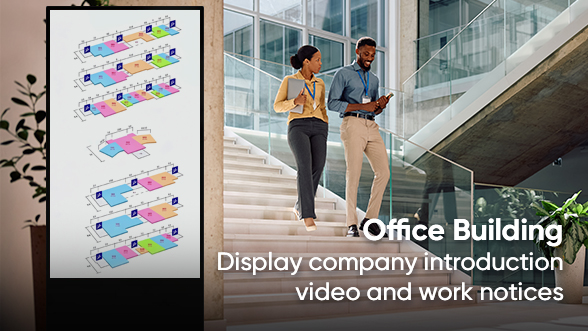

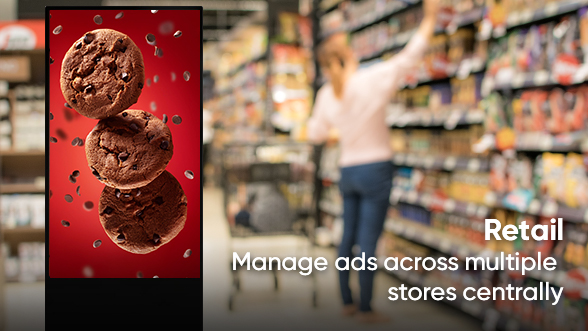
End User Pain Points and Solutions
 Conventional Advertising
 Digital Advertising


Limited Visual Impact in Busy Environments
Problem: Static or low-performance displays fail to capture attention, reducing engagement and message effectiveness.
Solution: High-brightness 4K displays with wide viewing angles and anti-glare design ensure vivid, eye-catching content in any environment.

Inefficient Content Updates Across Locations
Problem: Manual updates are time-consuming and costly, making it difficult to adapt campaigns in real time.
Solution: Centralized content management enables remote publishing, smart scheduling, and bulk distribution, improving efficiency and reducing labor costs.

High Maintenance Effort & Security Risks
Problem: Distributed devices are difficult to maintain, and unauthorized access may lead to content risks.
Solution: Status Detection, OTA updates, and built-in security mechanisms ensure reliable operations while protecting content integrity.
What Hikvision Offers
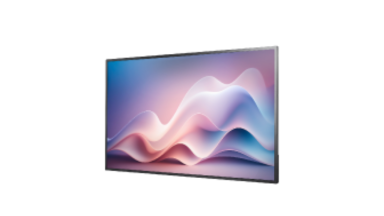
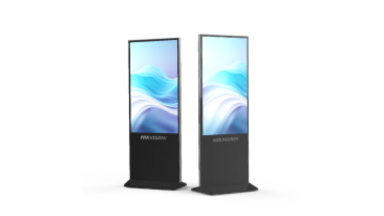
Product Family
Wall-Mounted
Floor-Standing
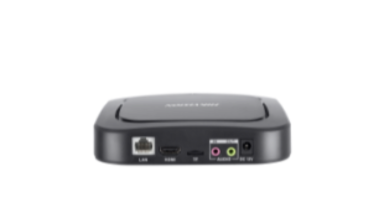
Digital Signage Box & Platform and Software




DS-D6055UN-D/S
Non-Touch Series
55"
4K*, 500 nit, 25% haze, 4+32GB
4K*, 500 nit, 25% haze, 4+32GB
Slim Thickness
*Supports 4K resolution in image playback mode

DS-D6055UT-D/S
Touch Series
55"
4K*, 500 nit, 25% haze, 4+32 GB
4K*, 500 nit, 25% haze, 4+32 GB
Slim Thickness
*Supports 4K resolution in image playback mode
Digital Signage Box
DS-D60E-B
4-core, 2+16 GB, Audio in x 1, audio out x 1, HDMI out x 1, LAN x 1, USB 2.0 x 2
Platform and Software



HCF V2.4
Cloud-Central Platform
Focsign Player
Why Hikvision’s Digital Signage

Superior Visual Experience
4K high brightness, wide viewing angles, and accurate color reproduction deliver vivid visuals that stand out even in bright environments.

Smart Content Management
Remote centralized publishing, batch updates, and smart scheduling enable fast, flexible management across multiple screens.

Reliable Operation & Security
Centralized monitoring, remote diagnostics, and content security policies ensure stable operations while reducing maintenance costs.
Integration Architecture
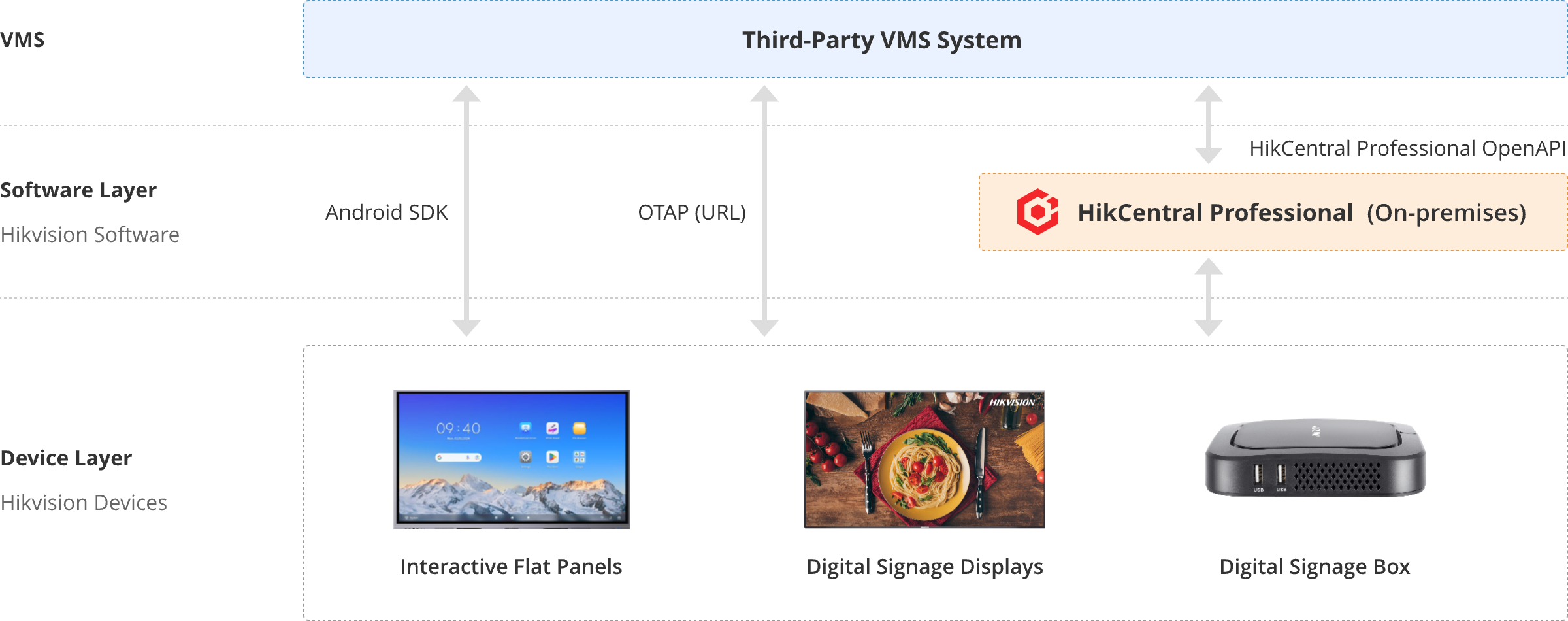
Integration Options Compared
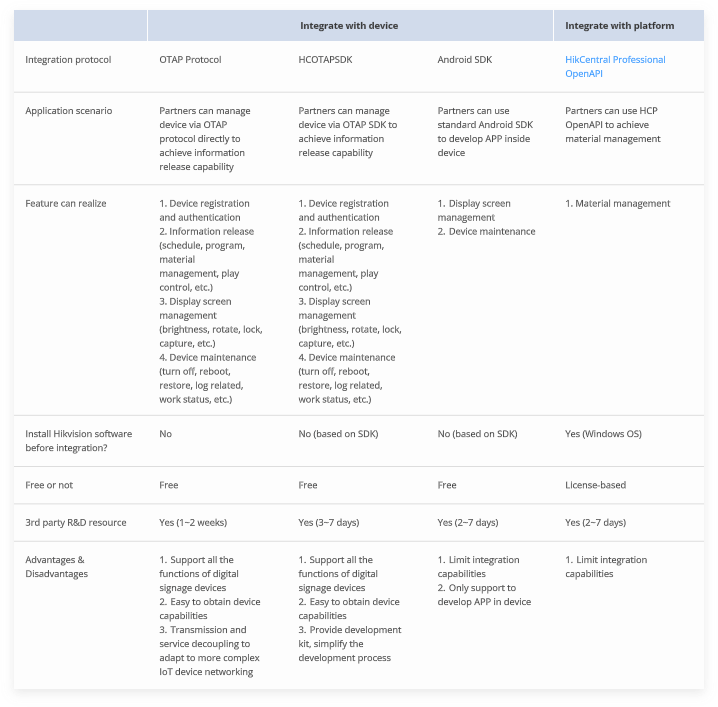
Integrate with device
Integrate with platform
Application scenario
Partners can manage device via OTAP protocol directly to achieve information release
capability
Partners can manage device via OTAP SDK to achieve information release capability
Partners can use standard Android SDK to develop APP inside device
Partners can use HCP OpenAPI to achieve material management
Feature can realize
1. Device registration and authentication
2. Information release (schedule, program, material management, play control, etc.)
3. Display screen management (brightness, rotate, lock, capture, etc.)
4. Device maintenance (turn off, reboot, restore, log related, work status, etc.)
1. Device registration and authentication
2. Information release (schedule, program, material management, play control, etc.)
3. Display screen management (brightness, rotate, lock, capture, etc.)
4. Device maintenance (turn off, reboot, restore, log related, work status, etc.)
1. Display screen management
2. Device maintenance
2. Device maintenance
1. Material management
Install Hikvision software before integration?
No
No (based on SDK)
No (based on SDK)
Yes (Windows OS)
Free or not
Free
Free
Free
License-based
3rd party R&D resource
Yes (1~2 weeks)
Yes (3~7 days)
Yes (2~7 days)
Yes (2~7 days)
Advantages & Disadvantages
1. Support all the functions of digital signage devices
2. Easy to obtain device capabilities
3. Transmission and service decoupling to adapt to more complex IoT device networking
1. Support all the functions of digital signage devices
2. Easy to obtain device capabilities
3. Provide development kit, simplify the development process
1. Limit integration capabilities
2. Only support to develop APP in device
2. Only support to develop APP in device
1. Limit integration capabilities
 HikCentral Professional OpenAPI
Partner Stories






 Contact Us
 Subscribe Newsletter

 Feature Restricted