 Return


SQL User Sync for HikCentral Professional
Automated personnel synchronization from SQL-based third-party systems to HikCentral


 Solution Type: Access Control Platform, ERP, HRMS (Human Resource Management System), SAP, Time & Attendance
 Targeted Industries:
Banking and Finance | Healthcare | Education | Government Facilities
Targeted Industries:
Banking and Finance | Healthcare | Education | Government Facilities


Solution Description
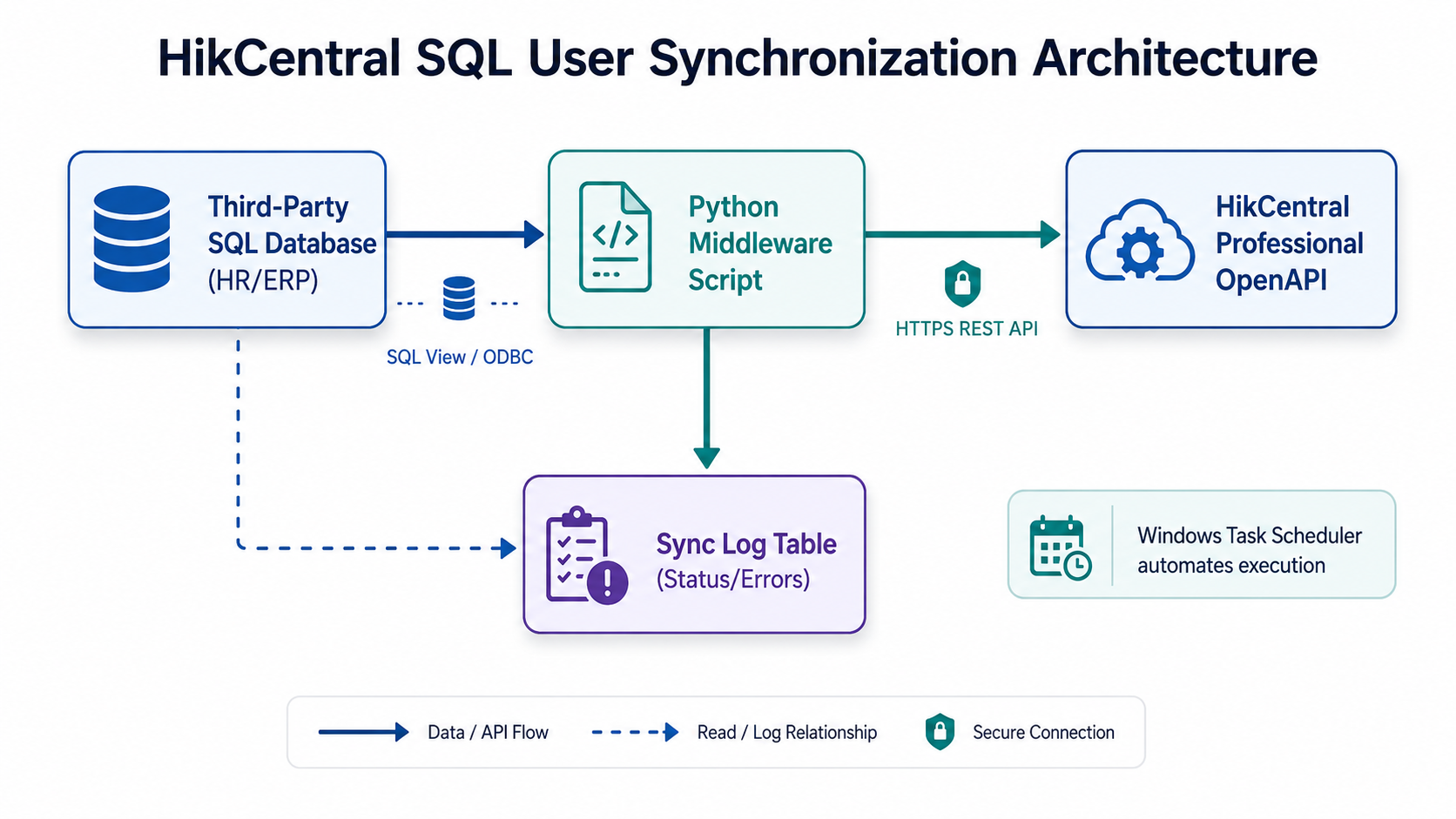
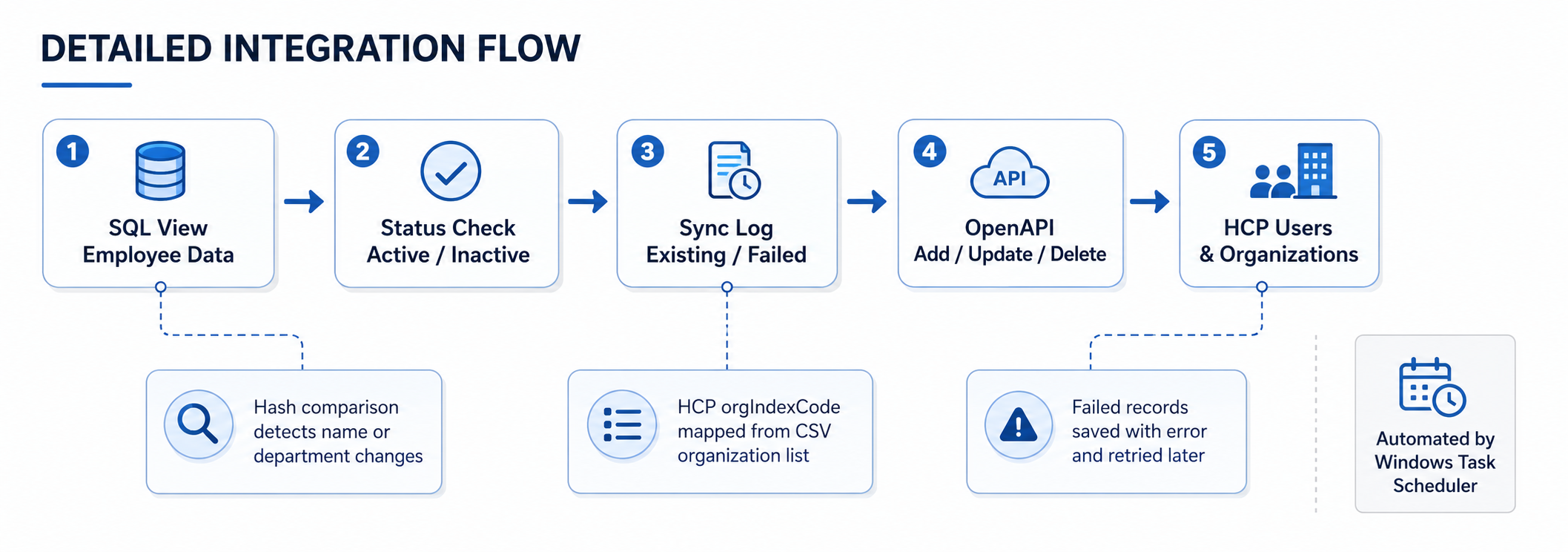
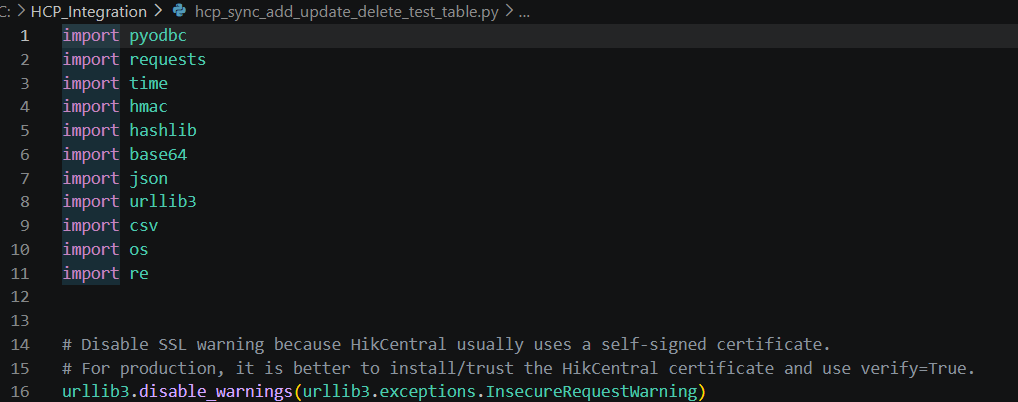
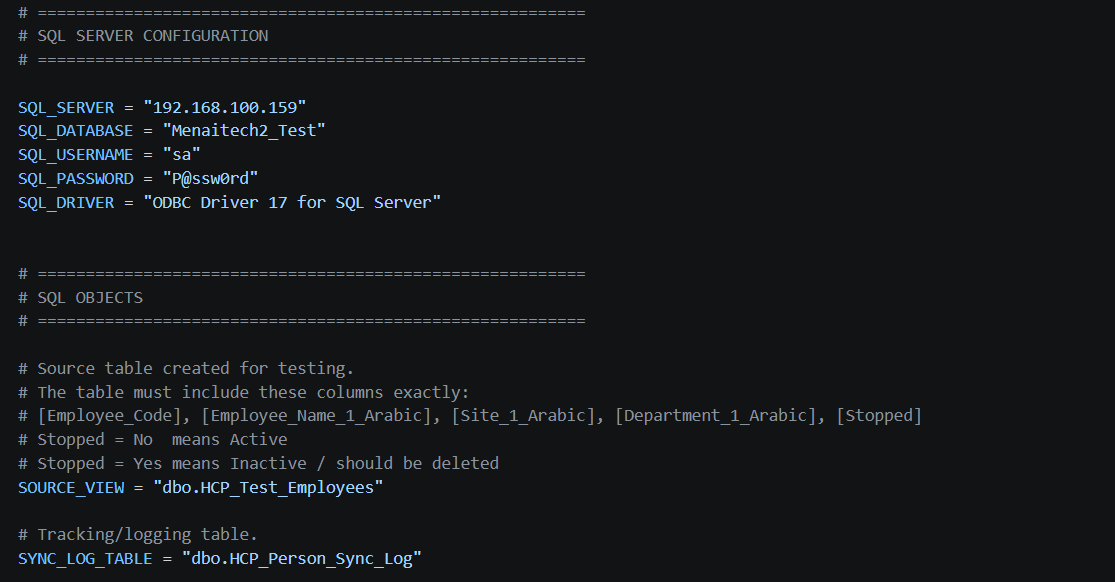
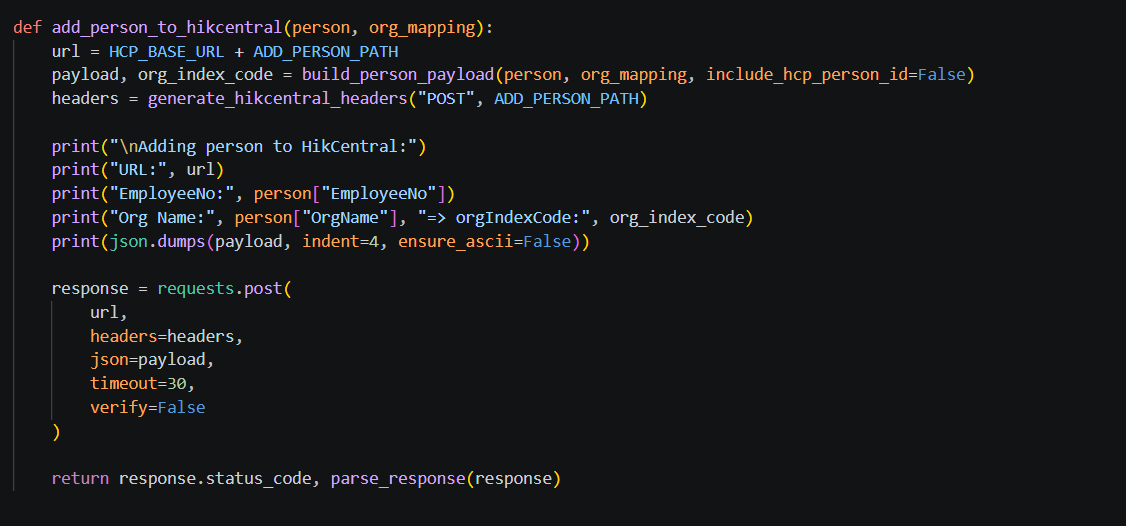
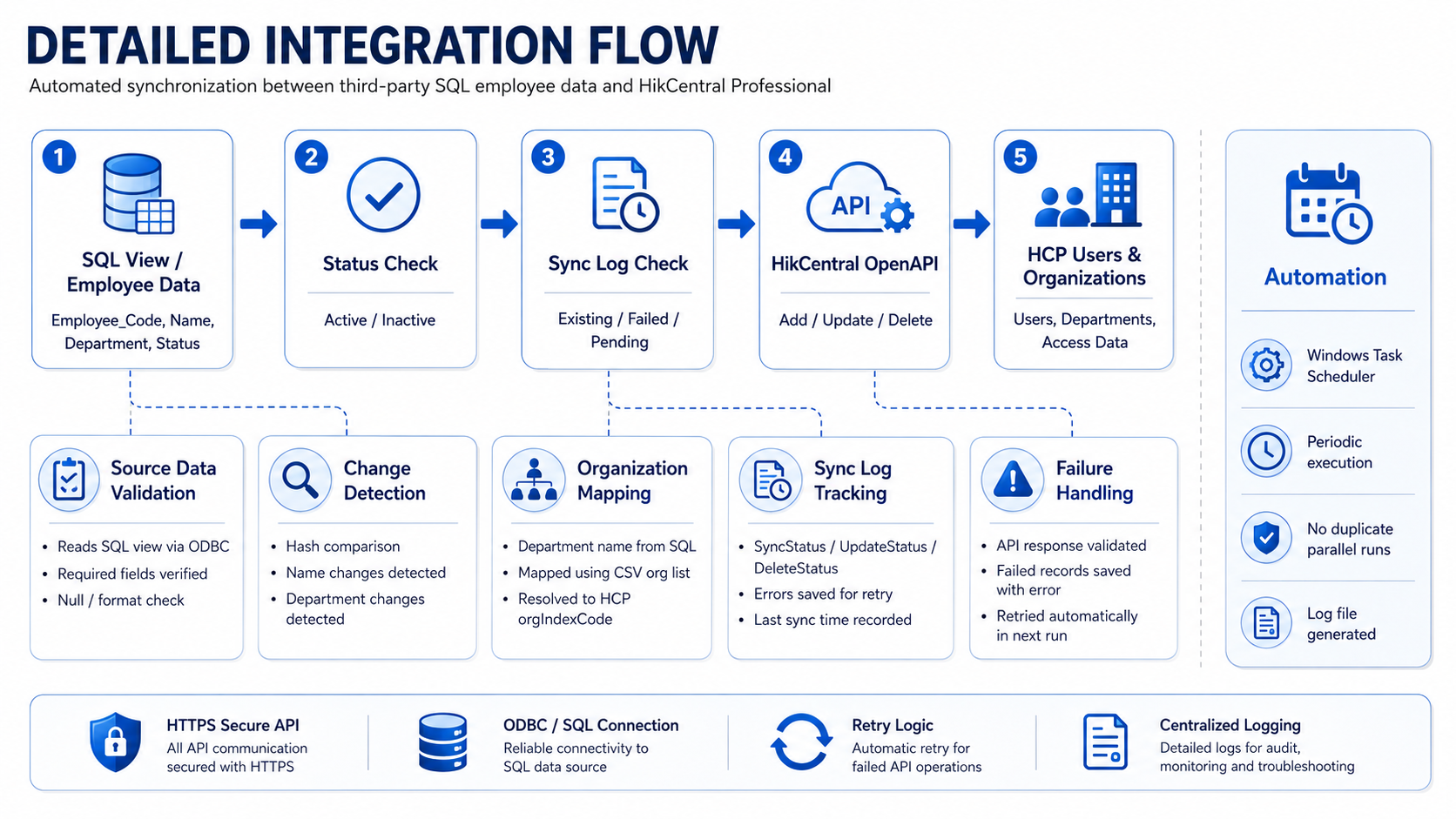
This solution automates personnel synchronization between HikCentral Professional and third-party SQL-based systems such as HR, payroll, ERP, or time attendance platforms. A Python middleware script reads user records from a SQL view, maps departments to HikCentral organizations, and uses HikCentral OpenAPI to add, update, or delete users. The solution includes a sync log table, retry mechanism, and Windows Task Scheduler automation.
User Benefits
- Automatically synchronizes personnel from SQL-based third-party systems to HikCentral Professional
- Reduces manual user creation, update, and deletion work for system administrators
- Keeps HikCentral user information aligned with the source HR or ERP system
- Supports automatic update detection for employee names and department changes
- Maintains a synchronization log with retry handling for failed records and troubleshooting
Key Features
- SQL view-based employee data extraction from MenaITech or any compatible third-party database
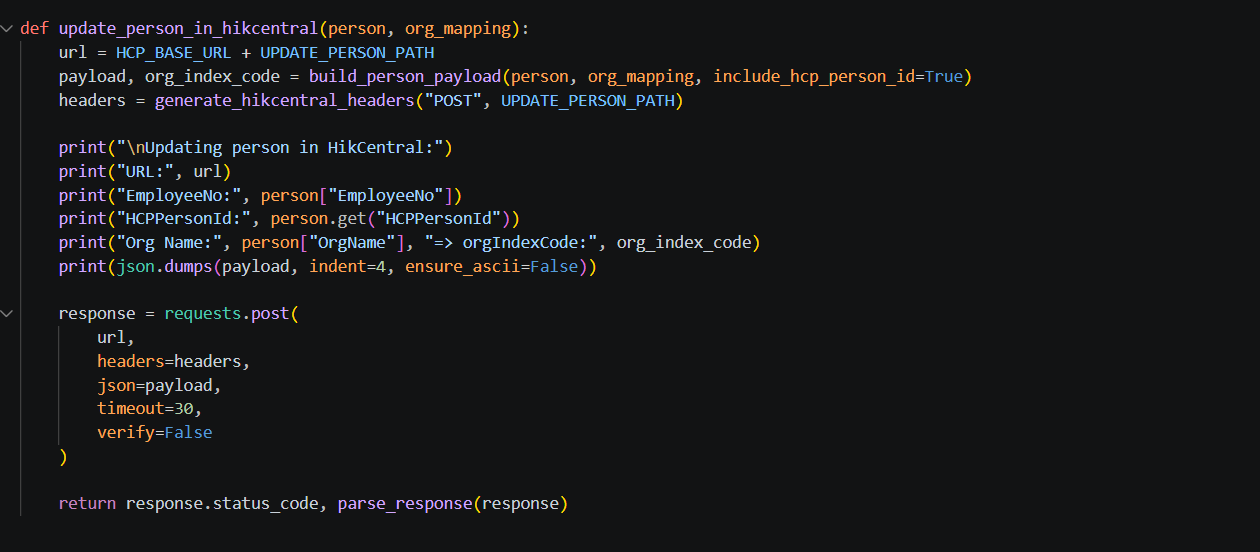
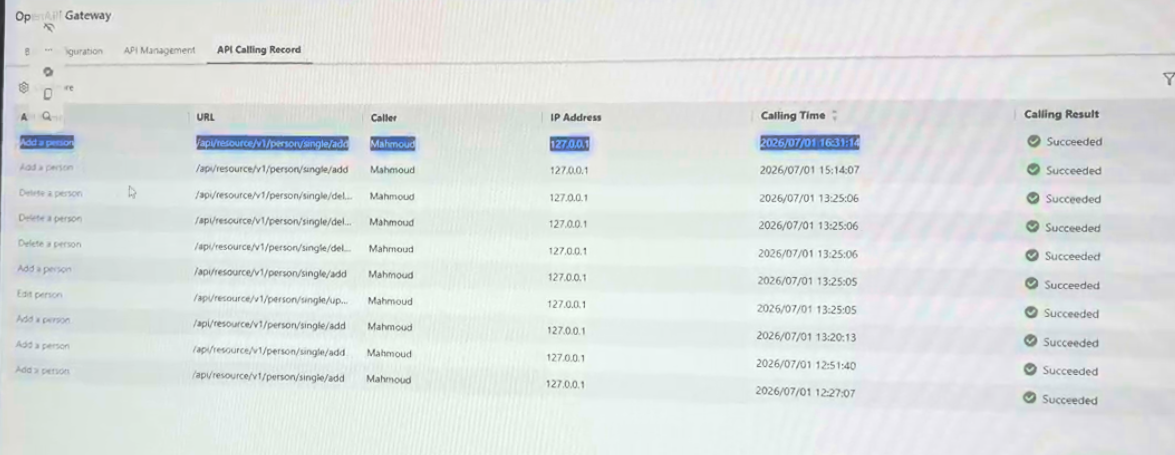
- HikCentral OpenAPI integration for add, update, and delete person operations
- Department-to-HikCentral organization mapping using orgIndexCode exported from HikCentral
- Hash-based change detection to identify updated employee names, departments, or status values
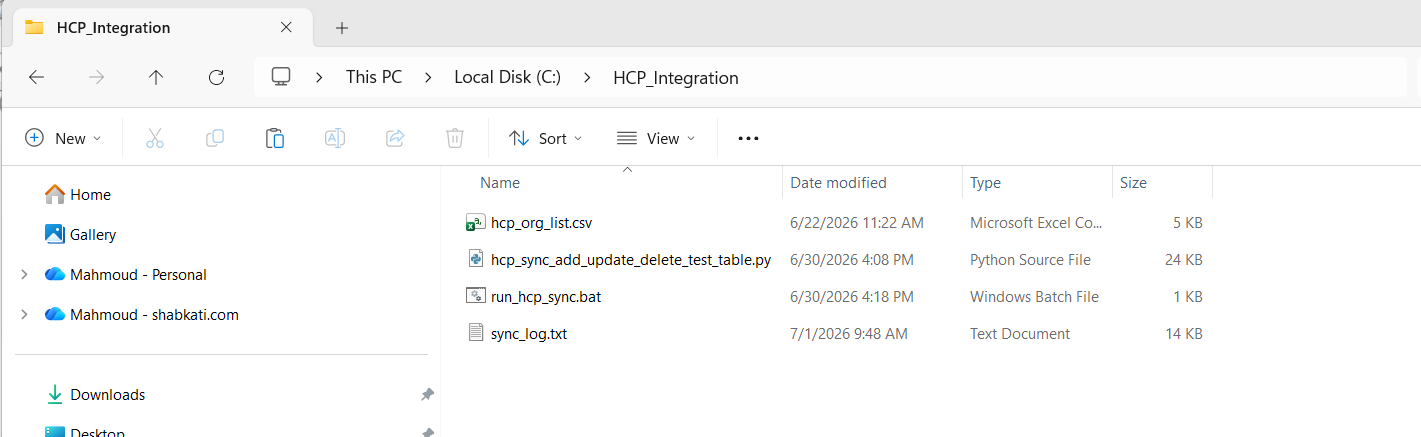
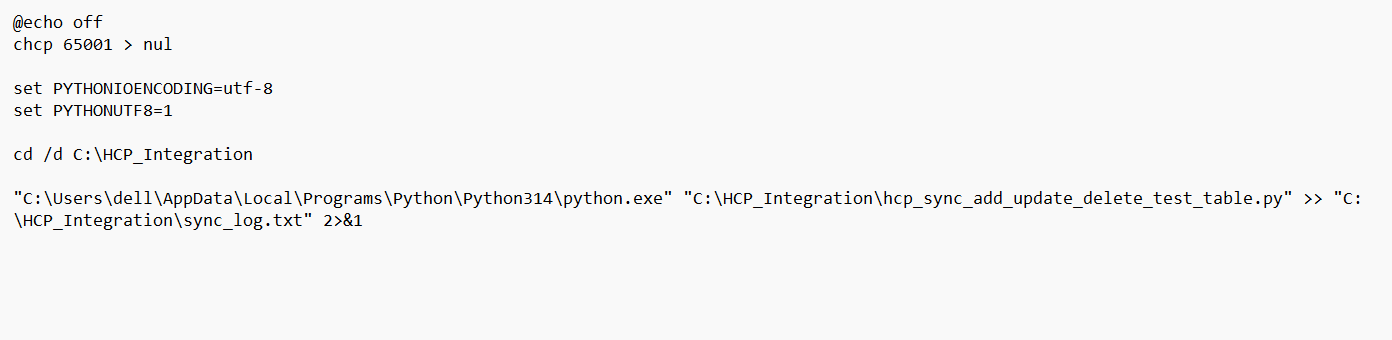
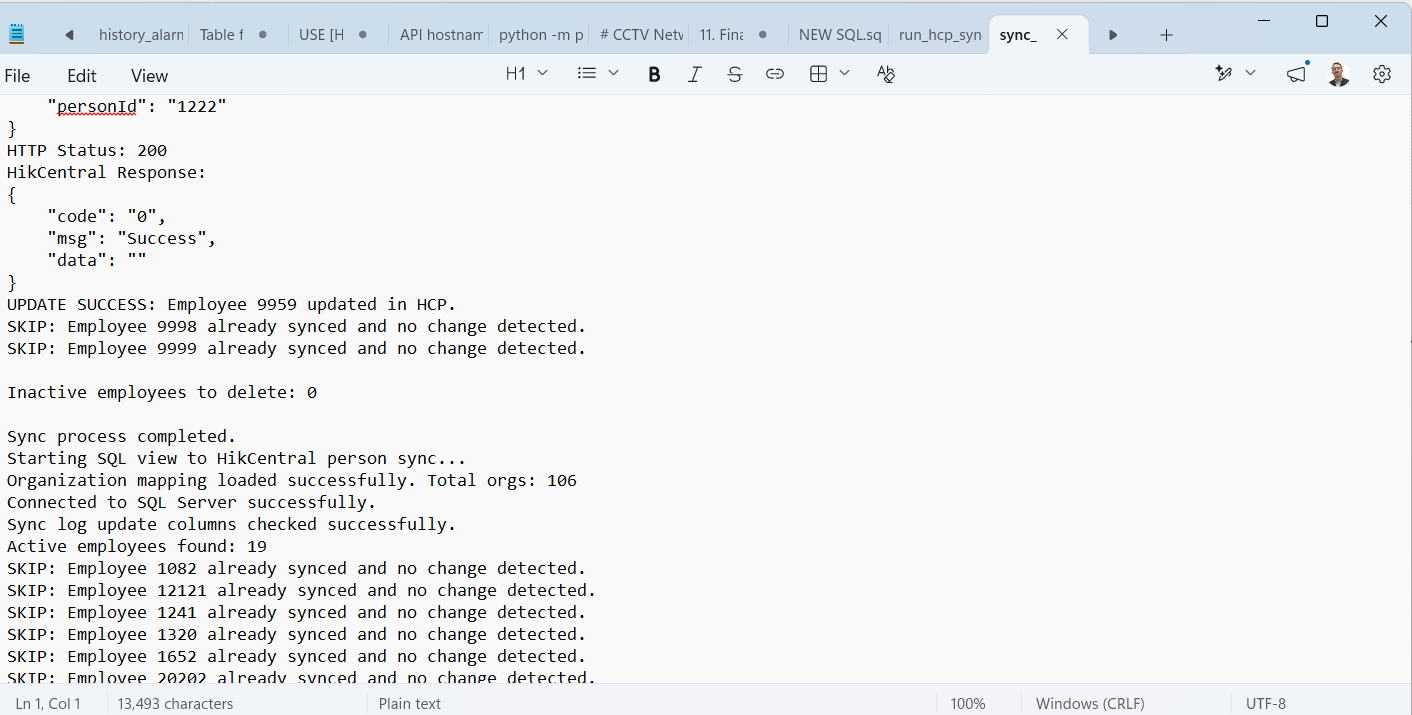
- Automated periodic execution using Windows Task Scheduler with log file output
Solution Architecture
Hikvision Product Compatibility

Access Control

HikCentral Professional
Technical Details
Partner Product Name: HCP SQL Based System Integration
Partner Product Version: V1.x
Hikvision Product Models and Firmware Versions: HCP (3.0.1 and later)
Integration Protocol: HikCentral Professional OpenAPI
Availability
Regions: Middle East & North Africa
Languages: English
About Shabkati Network Solutions
Shabkati Network Solutions is a technology and networking company providing integrated ELV, security, networking, access control, CCTV, and software integration solutions. The company supports customers with system design, implementation, configuration, troubleshooting, and integration between Hikvision platforms and third-party systems.
 Website:
https://shabkati.com
Website:
https://shabkati.com
How It Works






 Contact Us
 Subscribe Newsletter

 Feature Restricted